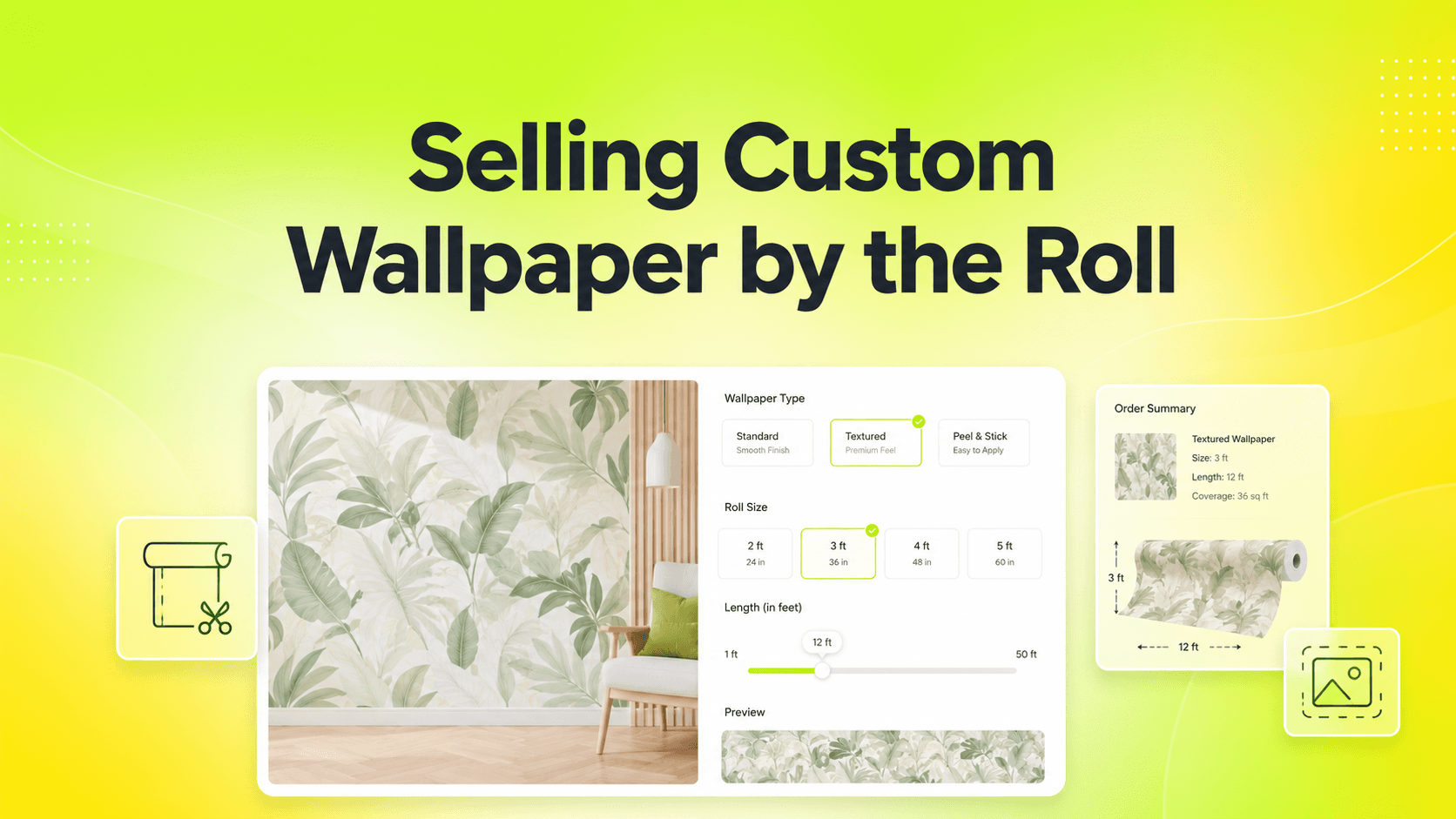
Wallpaper is sold by area. The default Shopify product page is not.
In 2026, shoppers don't want to "configure" anything. They want a product that already feels like it was made for them. The store that gets out of their way wins the sale, and the store that asks them to fill out a confusing form usually doesn't. The difference between those two experiences almost always comes down to the tools running the product page.
Most Shopify themes treat customization as an afterthought. They were designed for the simple case - a t-shirt in three sizes and three colors - and they handle that case well. The moment your catalog grows past the basics, the seams start to show. Keystone Product Options was built around the opposite idea: that configurable, personalized, made-to-order products deserve a first-class experience on the product page, not a workaround stitched together with theme code.
This post is a closer look at why that matters, what it unlocks for your store, and how to think about configuration as a competitive advantage instead of a tax on growth.
Why the Standard Shopify Setup Falls Short
Out of the box, Shopify gives you a clean product page and three-option variant system. For most stores selling t-shirts in three colors, that is plenty. The moment your catalog grows past the basics, the cracks show fast.
The variant cap is the most visible one - Shopify now allows 2,048 variants but only 3 options per product - and it is rarely the only one that matters. Stores that want to offer text inputs, file uploads, conditional logic, or per-character pricing run into a quiet wall: the native product page was never designed for any of it. Custom theme code becomes the workaround, and that becomes a maintenance burden the founder did not sign up for.
This is the gap that Keystone Product Options was built to close. Not as a shim on top of Shopify, but as a first-class extension of the product page that handles configuration the way modern shoppers expect.
B2B and Wholesale Pricing That Actually Works
If your store sells to both retail and wholesale buyers, you have probably hit the limits of native Shopify pricing more than once. Wholesale buyers expect their negotiated pricing to apply across every option, add-on, and configuration on the page. Most apps in this space simply don't handle that.
Keystone fully follows Shopify Plus B2B Catalog pricing. Wholesale customers see their specific, accurate prices on the product page, in the cart, and at checkout - including any add-ons, upgrades, or per-unit price variations. There are no manual invoices to issue after the order, no price corrections, and no awkward "we'll send a quote" moments.
For merchants running mixed retail and B2B operations, this is one of the quietest but most impactful features in the app. The same product page works for both audiences, and each buyer sees the price meant for them.
Real-World Categories That Need This Today
It is easy to read about configurable products in the abstract. The merchants who adopt Keystone tend to share a more concrete pain.
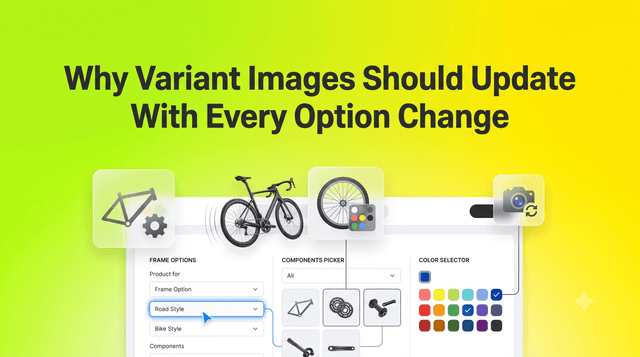
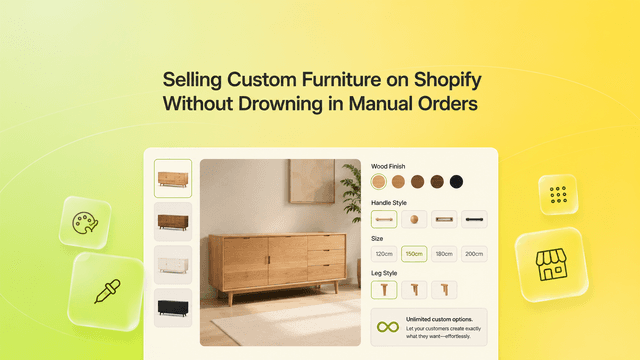
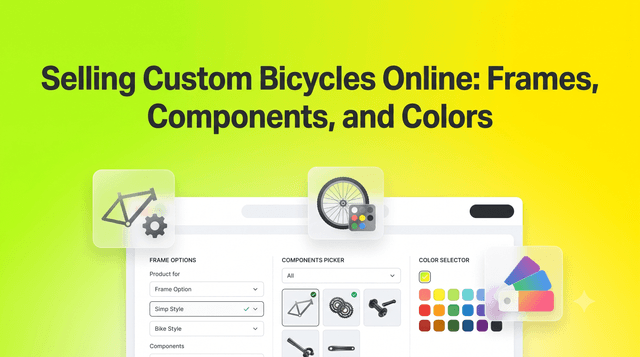
Furniture brands sell sofas with five fabric choices, three sizes, and optional add-ons. Apparel brands offer made-to-measure suits with monograms. Print-on-demand stores need file uploads with live preview. Jewelry brands sell engravings with character limits and font choices. Cabinet makers need dimensional pricing. Pet tag stores need real-time engraving previews. Custom electronics shops need component-level configuration.
What all of these stores share is a product that fundamentally cannot fit inside Shopify's native variant system. Keystone is built for them. It treats configuration not as an edge case, but as the main event.
Personalization, Live Preview, and Higher AOV
Customization is one of the cleanest levers for lifting average order value. Customers who customize a product spend more, return less, and emotionally invest in what they bought. The challenge is that complex configuration usually breaks the buying flow.
Keystone gives shoppers a complete personalization toolkit on the product page itself:
- File and Image Uploads: For logos, photos, custom artwork, and gift personalization.
- Text Inputs and Date Pickers: For names, dates, gift messages, and scheduled deliveries.
- Visual Swatches and Image Pickers: Real-world textures and colors instead of plain text dropdowns.
- Conditional Logic Fields: Options that appear only when relevant, keeping the page clean.
With Live Preview, every choice the customer makes updates the displayed price in real time. There is no checkout surprise, no abandoned cart from a confusing total, and no support ticket asking what something costs. The price the shopper sees is the price they pay, and they earn the trust to commit.
Stop Treating Customization Like a Side Project
The difference between Shopify stores that win in 2026 and stores that quietly fade isn't catalog size, ad budget, or theme polish. It's whether configuration feels effortless to the shopper. Stores that get this right convert more, refund less, and grow into categories that flat-variant stores cannot reach.
Keystone Product Options is officially live on the Shopify App Store. It's designed to give you back the time you'd otherwise spend on theme code, manual orders, and clunky workarounds.
Ready to see what your product pages can do?
Install Keystone Product Options for free right now. Build your first configurable product, watch it convert, and let your team focus on the parts of the business that actually need them.