Customer loyalty programs are a proven tool for scaling revenue. However, there is a hidden financial trap that many growing Shopify merchants overlook: unredeemed loyalty points.
Every single point sitting dormant in a customer's account represents an outstanding financial liability on your store's balance sheet. If thousands of inactive users suddenly return to redeem their points all at once, it can severely disrupt your profit margins and inventory tracking.
Fortunately, there is an elegant mechanism that solves this financial issue while simultaneously acting as one of the most effective re-engagement strategies available: a structured Points Expiry & Notifications policy.
By utilizing the dedicated features inside the Keystone Loyalty Rewards app, you can turn a potential accounting headache into an automated urgency engine that drives immediate sales. Here is how points expiration can protect your business and awaken lapsed shoppers.
The Psychology of Loss Aversion
As humans, we are fundamentally motivated by the fear of losing something we already own far more than by the prospect of gaining something of equal value. This psychological principle is known as loss aversion. In many experiments, losing an amount is shown to have twice the psychological impact of gaining the same amount.
When you tell a customer, "Earn 100 points today," they view it as an optional opportunity. But when you send an automated alert saying, "Your 500 points will disappear in 7 days," an immediate sense of urgency kicks in. Those points represent earned currency, and letting them expire feels like throwing away money.
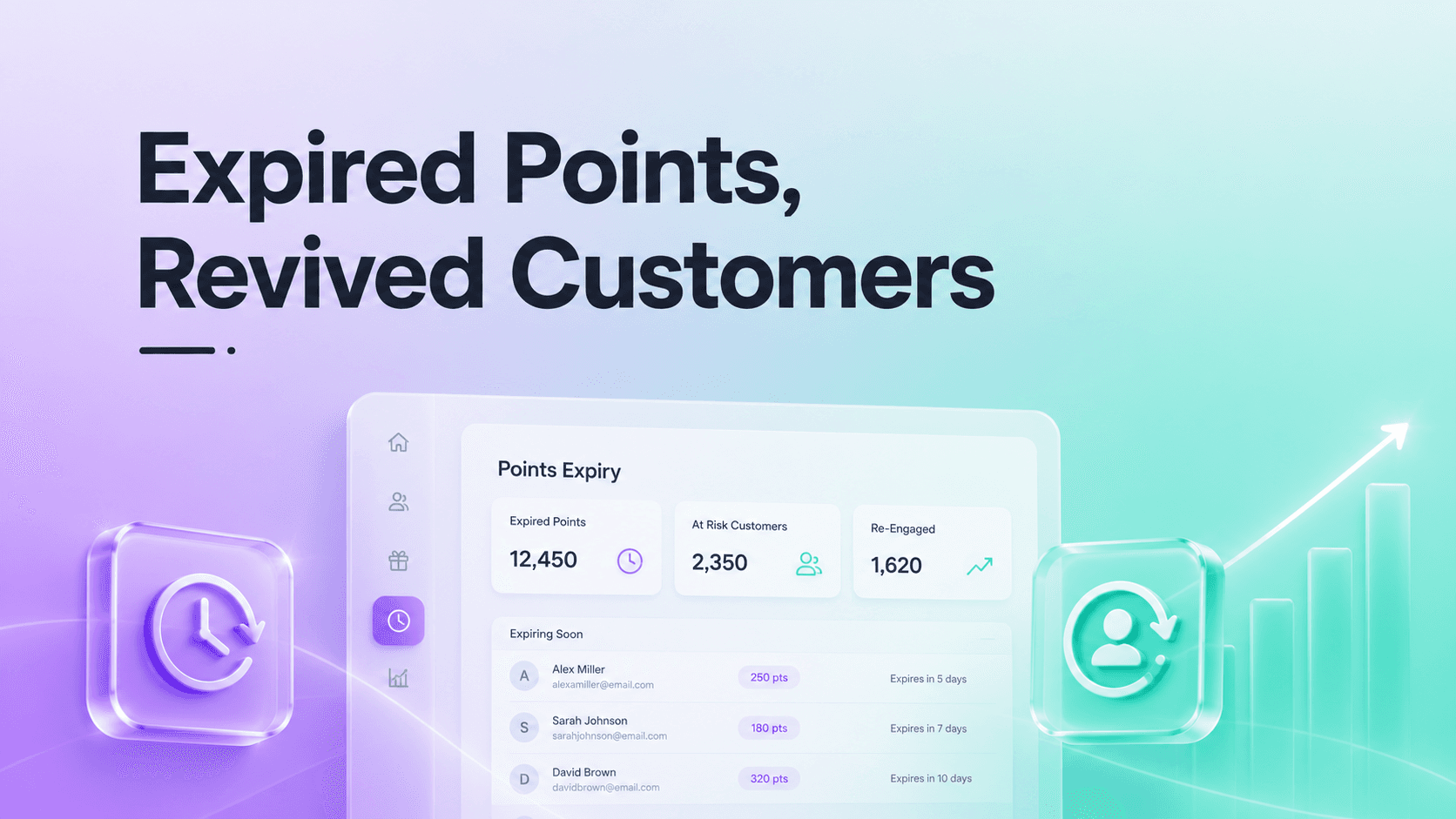
By setting an inactivity timeline within Keystone Loyalty Rewards, you establish an automated clock. If a customer hasn't interacted with your brand or made a purchase within your designated timeframe (e.g., 6 or 12 months), the app flags their points for expiration, creating a highly effective, natural reason to reach out.
Automating the Re-Engagement Workflow
A points expiry system is only as effective as the communication setup backing it up. You cannot simply wipe out a customer’s hard-earned balance without warning; doing so would destroy brand trust. Instead, the expiration window should serve as the foundation for a multi-step re-engagement sequence.
Through the Custom Rewards & Emails system built directly into Keystone, you can establish automated, branded email templates that trigger before points lapse. These messages shouldn't feel punitive; they should feel helpful:
-The Gentle Reminder (30 Days Out): "Don't leave your rewards behind! You have $20 worth of points waiting for your next order."
-The Final Call (7 Days Out): "Your points expire next week. Use them on our newest collection before they're gone forever."
By personalizing these emails with dynamic variables like the customer’s actual first name and real-time points balance, you build a helpful customer service touchpoint that pulls cold traffic directly back into your checkout flow.
Cleaning Up Outstanding Financial Liability
From an accounting perspective, unredeemed points are a liability. They distort your understanding of true store profitability because they represent future discounts that could be claimed at any moment.
Implementing a points expiry policy allows you to clean up your financial books safely. When inactive accounts surpass your expiration threshold, those points are safely cleared out from your global liabilities.
Keystone Loyalty Rewards gives you complete control over this operational auditing process. Merchants can manage expiration parameters globally or make precise, individual adjustments to specific customer accounts or bulk groups as needed. This clean-up process provides a much more accurate view of your program's return on investment (ROI) and keeps your accounting straightforward.
Creating a Path to Instant Redemption
When a lapsed customer returns to your store after receiving an expiry notification, you want to make the path to purchase as friction-free as possible. If they have to navigate a confusing maze to convert their points into a usable format, they may abandon their cart out of frustration.
To counter this, pair your expiry notices with flexible redemption tools like Keystone’s Dynamic Discount Codes or native UI Extensions. If you are a Shopify Plus merchant, you can utilize checkout extensions to allow returning customers to apply their point balances directly during the final step of checkout, without needing to copy and paste code strings.
For standard storefronts, the highly visible floating Storefront Widget allows returning shoppers to check their expiring balance instantly and convert it into a variety of options, from free shipping vouchers to fixed order discounts. The faster they can spend those points, the faster you convert a dormant user back into an active source of profit.
Ensuring Long-Term Retention Loop
The ultimate goal of waking up a lapsed customer is not just a single transactional clearance of their points; it is about restarting the customer lifecycle.
When a user returns to save their expiring points, their subsequent purchase will naturally trigger new points earned via your default Loyalty Points rules. Because they just bought something new, their inactivity timer resets to zero, effectively pulling them back into your core marketing funnel. What began as an operational cleanup effort transforms into a reliable system for ongoing retention and sustained store growth.
Take control of your store's margins. Clear out hidden liabilities and leverage the power of urgency to pull cold traffic back to your checkout automatically.
Automate Your Strategy with Keystone Loyalty Rewards
Related reading
- Show Your Customers Their Points Balance in the Store Header
- How to Sell to Wholesale Customers Without Polluting Your Loyalty Program
- How Do You Turn Your Best Customers Into Brand Ambassadors With a Referral Program?
Ready to put this into practice? Keystone Loyalty & Rewards launches points, VIP tiers and referrals in minutes — VIP tiers at a third of what the big-name apps charge, a done-for-you setup option, and a free plan to start.