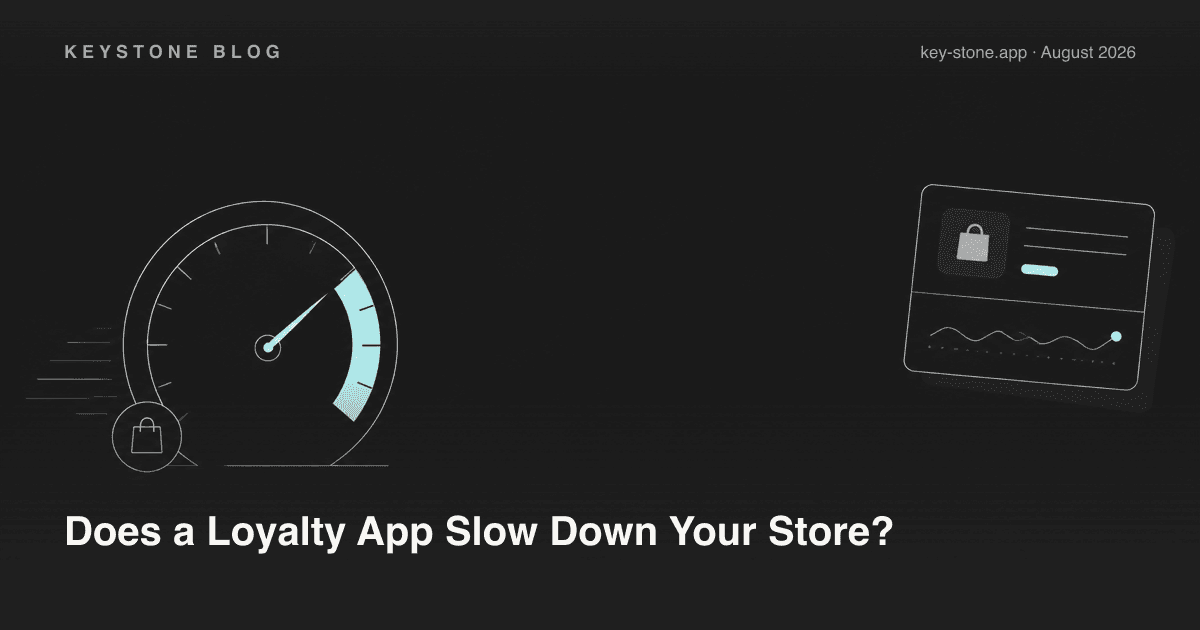
Yes, a loyalty app can slow down your Shopify store - and some measurably do. But the category isn't the problem; the architecture is. A badly built loyalty widget ships render-blocking JavaScript, executes before your content paints, and shifts your layout around while the page loads. A well-built one is effectively free: it loads asynchronously, renders after first paint, and never touches the critical path that decides how fast your store feels.
So the useful question isn't "do loyalty apps slow stores down?" It's "how do I tell whether this loyalty app will slow my store down - before I commit to it?" That takes about 15 minutes. Here's how the slowdown actually happens, what to measure, and what a fast widget architecture looks like.
How Shopify Apps Inject Code (and Why It Matters)
Every storefront app has to get its code onto your pages somehow, and Shopify offers two very different paths.
Script tags are the legacy path. The app registers a JavaScript file that Shopify injects into every page of your store. The app controls what's in that file, how big it is, and when it executes - you don't. Historically this is where the horror stories come from: synchronous scripts that block rendering, bundles that load on every page whether the widget is used there or not, and leftover code that lingers in themes after uninstall.
Theme app extensions are the modern path. The app ships app blocks and embeds that plug into your theme through the theme editor. Assets are served from Shopify's CDN, loading behavior is constrained by Shopify's framework, you control exactly where blocks appear, and removing the app removes the code cleanly. Shopify's own performance guidance pushes apps hard toward this model, and it's one of the things the Built for Shopify badge checks for.
Before installing any loyalty app, find out which path it uses. If the developer can't answer "theme app extensions," treat every performance claim with suspicion.
What to Measure: LCP, CLS, and INP
"Site speed" is vague; Core Web Vitals are not. Three numbers capture nearly everything a loyalty widget can do to your store:
- LCP (Largest Contentful Paint) - how long until the main content is visible. A render-blocking loyalty script delays this directly. Target: under 2.5 seconds.
- CLS (Cumulative Layout Shift) - how much the page jumps around while loading. A launcher button or points banner that renders late and pushes content is a classic loyalty-app failure. Target: under 0.1.
- INP (Interaction to Next Paint) - how responsive the page is to taps and clicks. Heavy JavaScript running on the main thread degrades this even after the page looks loaded.
Two free tools give you these numbers. PageSpeed Insights shows both lab measurements and real-user field data for any URL. And the web performance dashboard in your Shopify admin (under Analytics) tracks your store's Core Web Vitals over time - useful for spotting a regression that started the week you installed something.
Red Flags Before You Install
You can rule out the worst offenders without installing anything:
- Synchronous third-party JavaScript. If the app's documentation tells you to paste a plain
<script src="...">tag intotheme.liquidwithoutdeferorasync, that script blocks rendering on every page. - Layout shift by design. Watch demo stores of the app: does the launcher pop in late and shove content around? That's CLS you're adopting.
- Heavy payloads. Some widgets ship entire icon fonts, animation libraries, or multiple custom font weights for a single floating button. Open a demo store's network tab and look at the app's total transfer size.
- Code on pages that don't need it. A loyalty widget that loads its full bundle on your blog, cart, and policy pages is spending your performance budget for nothing.
- No Built for Shopify badge. The badge isn't a guarantee, but it does require meeting Shopify's performance and integration standards, so its absence on a mature app is worth asking about.
How to Test an App's Real Impact in 15 Minutes
Rules of thumb are fine; your own before/after numbers are better. The test:
- Baseline. Run PageSpeed Insights on your homepage and one product page. Run each two or three times and note the lab LCP, CLS, and total JavaScript weight. Lab runs vary, so you want a range, not one number.
- Install on a duplicate theme. Duplicate your live theme, install the app, and enable the widget on the duplicate (or use the app's free trial on a development store). Your live store stays untouched.
- Re-run the same pages. Same URLs, same tool, two or three runs.
- Compare. Look at the deltas, then open the waterfall: when does the app's JavaScript load, is it deferred, and how big is it?
- Decide. If LCP consistently moves by more than a tenth or two of a second, or CLS goes from zero to nonzero because of the widget, raise it with the vendor - or move on. There are enough well-built loyalty apps that you don't have to pay a speed tax for the category.
What a Fast Loyalty Widget Architecture Looks Like
When you evaluate vendors, this is the checklist that separates well-engineered widgets from the rest:
- Deferred loading. The widget's JavaScript loads after first paint, so it can never delay your content. Loyalty UI is not critical-path content; nothing about it needs to load before your product images.
- Zero layout shift. The launcher renders as an overlay or into reserved space - it never pushes your content.
- Small, scoped payload. One lean bundle, no icon fonts, and nothing loaded on pages where the widget doesn't appear.
- Fast render once loaded. When the customer opens the panel, it should appear instantly - we've written before about why a loyalty widget should render in under 200 milliseconds. Past that threshold, the widget starts to feel like a foreign object bolted onto the store.
- Theme app extension delivery. Clean install, clean uninstall, assets on Shopify's CDN, placement controlled by you.
How Keystone Approaches It
Keystone Loyalty is built on theme app extensions - no script-tag injection, no manual theme edits, and a clean removal if you ever leave. The widget loads deferred, after your content paints, and the sub-200-millisecond render target is a design constraint we hold ourselves to rather than a marketing line: the widget is treated as a guest in your theme, not the main event. We'd rather you verify than take our word for it - the 15-minute test above works on us too, and we encourage running it during the free trial.
A loyalty program should pay for itself in repeat revenue, not cost you conversion through a slower store. Pick an app built like it knows that.
Related reading
- Why Your Loyalty Widget Should Render in Under 200 Milliseconds
- Why Your Loyalty Widget Should Match the Theme, Not Fight It
- Why a Branded Loyalty Widget Is Worth the Hour It Takes to Set Up
Ready to run loyalty without the speed tax? Keystone Loyalty gives you points, referrals, and VIP tiers at a third of big-name pricing - with a widget engineered to stay out of your store's critical path. Start on the free plan and test the performance yourself.