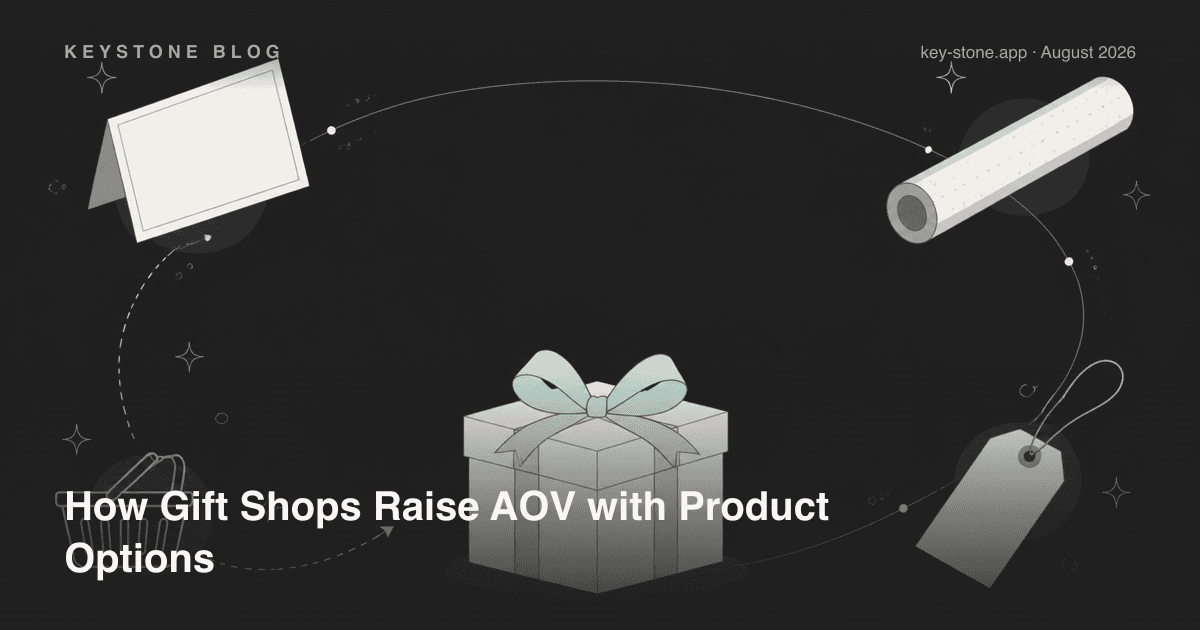
Gift shops have an advantage most Shopify stores don't: their customers are spending money on someone else. A shopper buying for themselves weighs every add-on against their own budget. A shopper buying a gift weighs it against how the gift will land - and "perfect" usually wins over "three dollars cheaper." That's why paid gift wrap, printed message cards and engraving convert at rates that would look absurd on self-purchase products.
The practical consequence: for a gift shop, product options aren't a customization feature. They're an average-order-value lever - arguably the cheapest one you have, because you're monetizing purchases that were already happening. Here's the playbook, the math, and how to set it up before Q4 arrives.
Why Gift Purchases Tolerate Add-On Fees
Three things change when the buyer isn't the recipient. First, the buyer can't inspect the gift in person before it arrives, so anything that raises confidence - premium wrap, a printed card, a personal engraving - reduces anxiety, and people pay to reduce anxiety. Second, the price anchor is the occasion, not the product: someone spending on a birthday or anniversary has a mental budget for the moment, and a $6 wrap fits inside it easily. Third, presentation is part of the product. An unwrapped gift shipped in a brown mailer fails at its one job.
None of this requires discounting, bundles or ad spend. It requires giving buyers the option to spend more - visibly, on the product page, before checkout.
The Seven-Option Gift Shop Playbook
1. Paid gift wrap tiers
Don't offer wrap as a yes/no checkbox. Offer tiers: standard wrap at a low price and premium wrap (better paper, ribbon, tissue) at two to three times that. Use image swatches so the buyer sees exactly what each tier looks like - a text dropdown that says "premium" sells far worse than a photo of the wrapped box. The cheap tier makes the premium tier look reasonable; many buyers upgrade once they're already saying yes to wrap.
2. Gift message cards - free text, paid print
A free gift-message text field should be on every product; it costs you nothing and captures intent. The upsell is the format: a premium printed card - heavier stock, your branding, handwritten-style font - as a paid upgrade above the free packing-slip message. The buyer has already composed the message; upgrading how it's delivered is a small step.
3. Engraving and monogramming with per-character pricing
For products that support it, engraving is the highest-value add-on on this list because it makes the item feel commissioned rather than bought. Per-character pricing does two jobs: it keeps short monograms cheap enough to be an impulse yes, and it means long dedications - which signal high emotional investment - pay proportionally.
4. Gift box bundles via option sets
Instead of building separate bundle products, add a "complete the gift" option set to your bestsellers: add a candle, add chocolates, add a mini card. Each selection is a priced add-on on the same product page. The buyer assembles a gift box without leaving the page, and you avoid managing dozens of bundle SKUs.
5. A delivery date picker for occasions
Gifts have deadlines. A date picker on the product page ("needed by") does two things: it reassures the buyer that the birthday will be hit, and it hands your fulfillment team the information to prioritize. You can pair it with a rush-production fee for tight dates - another add-on buyers accept readily when the occasion is fixed.
6. Conditional logic to keep the page clean
Seven gift options stacked on every product page would bury the add-to-cart button. The fix is one entry checkbox - "This is a gift" - with everything else hidden behind it. Buyers shopping for themselves see a clean page; gift buyers unfold the full gifting flow. Conditional logic is what makes an aggressive options strategy compatible with a high-converting page.
7. Ship-to-recipient note fields
If the order ships straight to the recipient, the buyer worries about two things: the invoice showing the price, and the package arriving with no explanation. A short options group - "shipping directly to the recipient?" with a no-price-on-slip toggle and a delivery note field - removes the worry and marks the order clearly for your team.
The Math: What Add-Ons Do to AOV
Worked example with labeled assumptions - tune every number to your store. Assume a $40 baseline AOV and 1,000 orders a month. Assume 25% of orders attach wrap at an average of $6 (mix of standard and premium), 15% attach a printed card at $4, and 10% attach engraving at an average of $8.
- Wrap: 250 orders × $6 = $1,500
- Printed cards: 150 orders × $4 = $600
- Engraving: 100 orders × $8 = $800
That's $2,900 of added monthly revenue on the same 1,000 orders - AOV moves from $40.00 to $42.90, about 7%, with no extra traffic and no discounting. Margins on these add-ons are typically strong: wrap materials and card stock cost a fraction of what buyers pay for them, and engraving is priced on labor you control. Even if your attach rates come in at half these assumptions, the setup work pays for itself quickly because it's a one-time configuration that earns on every future order.
Build the Q4 Flow Now, Not in November
Gifting demand concentrates brutally in Q4, and stores that bolt on a gift-wrap checkbox the week before Black Friday leave most of the value on the table. The sequencing that works: set up the full options flow in the off-season, run it quietly for a couple of months to tune attach rates and fulfillment workflow, then raise premium wrap prices and add seasonal designs when demand spikes. Your holiday pages are then battle-tested exactly when traffic peaks - and your team already knows how a "gift, engraved, ship by Dec 22" order moves through fulfillment.
Setting This Up on Shopify
Shopify's native variants can't do most of this - text fields, date pickers, per-character pricing and conditional visibility aren't variant features, and every wrap/card/engraving combination would multiply against Shopify's variant and 3-option limits anyway. This is exactly what a product options app is for.
With Keystone Product Options (as of August 2026), the free plan gives you 10 option sets and 12 option types to prototype the flow. Price add-ons - the paid wrap, cards and engraving fees that make this playbook profitable - unlock on the $9.99 Essentials plan, and conditional logic (the "this is a gift" unfold) comes with the $29.90 Premium plan. The app carries Shopify's Built for Shopify badge, so the options render inside your theme rather than fighting it.
Related reading
- How to Charge Add-On Fees for Premium Gift Wrapping
- How to Run a Personalized Holiday Gifting Store
- Adding Text Inputs for Custom Names, Dates and Gift Messages
Ready to sell options Shopify variants can't express? Keystone Product Options takes your product pages past Shopify's variant and 3-option limits - unlimited options, price add-ons, conditional logic and file uploads, with a free plan to start.