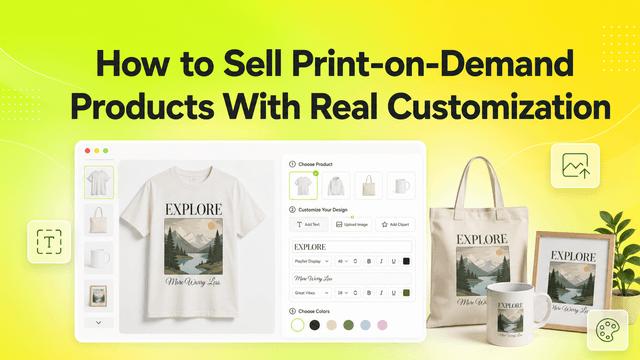
Print-on-demand is the product category that breaks Shopify's native variant model fastest. A single POD t-shirt with 8 designs, 6 sizes, 5 colors and 2 print placements is already 480 combinations across four dimensions - one more than the 3 options Shopify allows on a single product. And that's before personalization: a custom name, a photo upload, a gift message. Those aren't variants at all. There is no SKU for "Sarah".
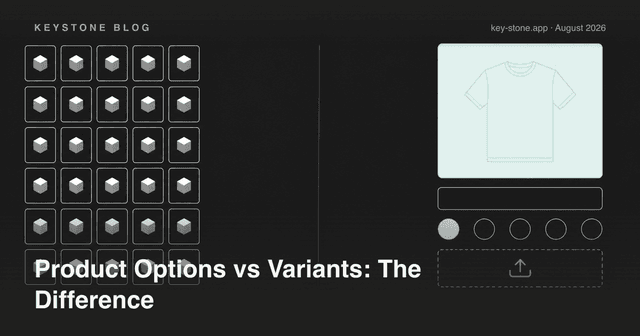
So a working POD setup always splits product data into two layers: variants for the things your printer stocks, and options for the things your customer invents. Get the split right and everything downstream - pricing, fulfillment, inventory - gets simpler. Get it wrong and you'll fight your own catalog daily. Here's the complete setup, step by step.
Step 1: Decide What Stays a Variant
A variant should exist only when it maps to a physical SKU at your print partner. Size and garment color usually qualify: your printer stocks a Medium black tee and a Large white one, and inventory, weight and base cost genuinely differ between them.
Everything else becomes an option layered on top of that variant:
- Design choice - the same blank with different artwork is one SKU to the printer, so it's an option, not eight products.
- Custom text - names, dates, quotes. Free-form input can never be a variant.
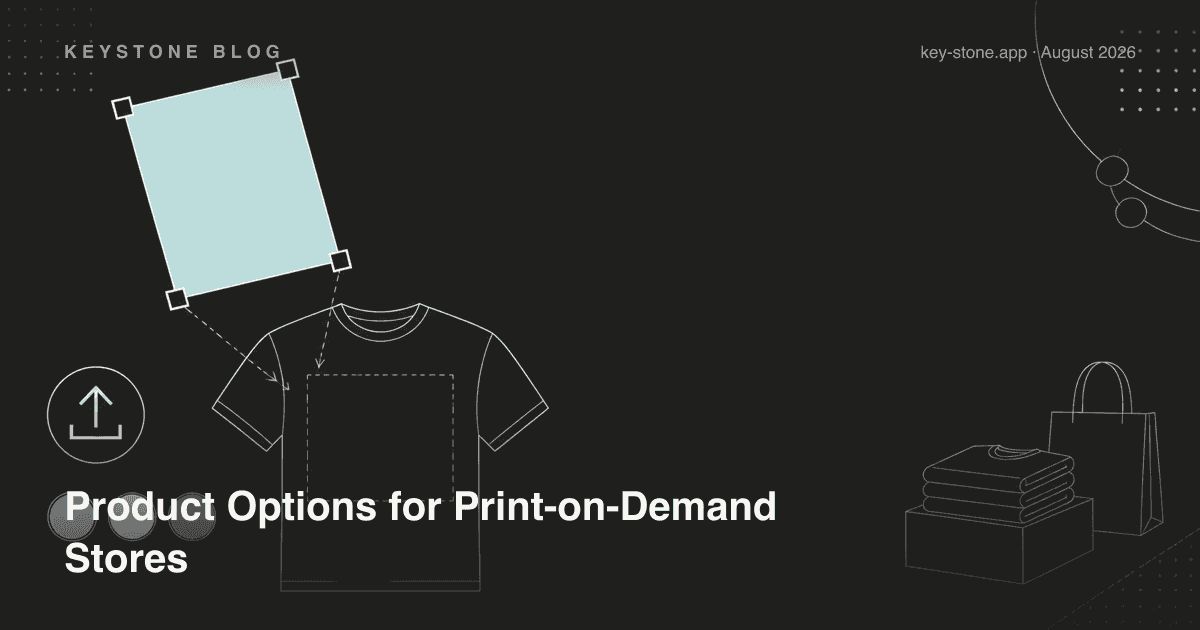
- File uploads - customer photos or artwork.
- Print placement - front, back, sleeve. The blank doesn't change; the print job does.
The test is one question: does my supplier stock this as a separate item? If no, it's an option.
Step 2: Configure File Uploads Properly
Uploads are where POD stores lose the most money to refunds, so configure them defensively:
- Restrict formats to what your print pipeline accepts - typically PNG, JPG, and ideally SVG or PDF for vector work. If your printer can't process HEIC, don't accept HEIC.
- Set a sensible size window. A 40 KB image will print blurry on a poster; state minimum dimensions right next to the upload field, not in a policy page nobody reads.
- Show a confirmation. A thumbnail preview of the uploaded file catches "wrong photo" mistakes before the order exists instead of after it ships.
Pair the upload field with a short help text: what makes a file print-ready, in one sentence. It's the cheapest quality control you will ever add.
Step 3: Charge for Personalization Instead of Absorbing It
Personalized items take longer to produce and can't be restocked when returned - so personalization should carry a price. Two models work:
- Flat add-on: "Add custom text +$5". Simple, predictable, right for most stores.
- Per-character pricing: right for engraving-style products where production cost scales with length.
Whichever you choose, the fee must appear in the price before checkout. A surprise charge on the payment page is the single most reliable way to turn a customized cart into an abandoned one.
Step 4: Use Conditional Logic to Keep Pages Clean
A POD product page that shows every possible field at once looks like a tax form. Conditional logic fixes that:
- Show the text input and font picker only after the customer ticks "Add personalization".
- Show the upload field only when "Use my own design" is selected instead of a catalog design.
- Hide placements that don't exist for the product - no sleeve print option on a mug.
The page stays short for the 70% of buyers who want the product as-is, and expands only for the ones who are customizing. Both convert better than a page that shows everything to everyone.
Step 5: Make Sure Options Reach Your Printer
Options are stored as line item properties on the order - and this is the step POD merchants most often forget to verify. Before you launch, place a test order and check that every choice (design, text, placement, the uploaded file's link) is visible:
- in the Shopify order detail your team reads,
- on the packing slip if you fulfil in-house,
- in whatever export or integration your print partner consumes.
A personalization the customer paid for but the printer never saw is a guaranteed refund plus a reprint - the most expensive kind of bug because you find it after shipping.
Step 6: Show a Live Price Preview
When add-ons change the total, the displayed price has to update the moment an option is selected. Buyers who watch the price move as they add a name, a second placement, and gift wrap arrive at checkout with zero surprises - and carts assembled without surprises are the ones that complete. A static price next to a stack of paid add-ons quietly erodes trust on exactly the high-intent traffic you paid to acquire.
The Failure Modes to Check Before Launch
- Blurry uploads - no minimum dimensions stated, no format restriction. Caught only when the customer opens the package.
- Missing validation - required fields that aren't enforced, so orders arrive half-personalized.
- Surprise fees - add-on charges that first appear at checkout.
- Lost properties - options that never reach the packing slip or the printer's dashboard.
Every one of these is a five-minute configuration fix before launch and a refund-plus-reprint after it.
Setting This Up with Keystone
Key Product Options was built for exactly this layered setup. As of August 2026, the free plan includes 10 option sets and 12 option types - enough to run text inputs, dropdowns and swatches on a small POD catalog. The $9.99 Essentials plan removes the limits and adds price add-ons, so personalization fees show up in the live total. The $29.90 Premium plan adds conditional logic - the show/hide behavior from Step 4 - plus B2B catalog pricing if you also sell wholesale. Options land on orders as line item properties, visible in order details and packing slips, so your print partner sees what the customer chose. The app carries Shopify's Built for Shopify badge.
Related reading
- How to Sell Print-on-Demand Products with Real Customization
- Letting Customers Upload Photos for Custom Print Orders
- Why File Uploads Are the Hidden Engine of Personalized Commerce
Running a print-on-demand store on Shopify? Key Product Options takes your product pages past Shopify's variant and 3-option limits - unlimited options, file uploads, conditional logic and live price previews, with a free plan to start.