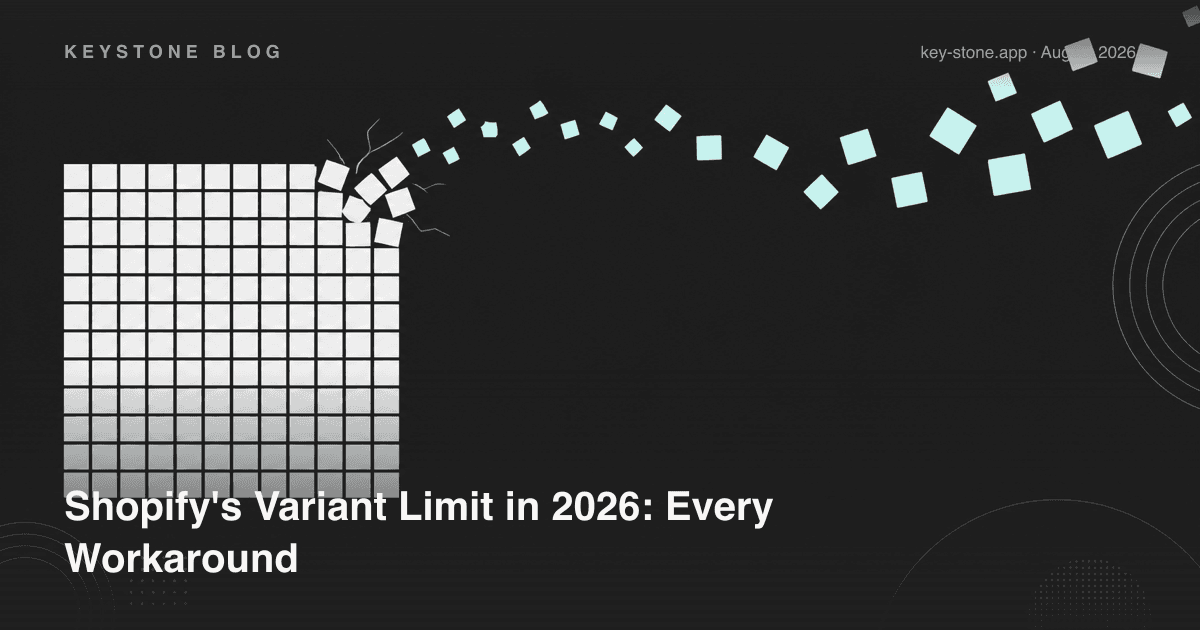
Here's the short answer. A Shopify product can have up to 2,048 variants and 3 options. The old ceiling was 100 variants, and a lot of advice online still quotes it; Shopify's own Help Center now lists 2,048 as the limit for every store. The option cap has not moved: Size, Color and Material, and you're out of dimensions.
So in 2026 the variant count is rarely the wall. The walls are the three-option cap, the lack of per-option pricing, and what a 1,500-row variant grid does to your admin. If you sell anything genuinely configurable - furniture with sizes, materials and finishes; jewelry with metals, stones and engraving; apparel with custom text - you'll hit one of them. Here is every real workaround, with the honest trade-offs of each.
What the Limits Actually Are
Three separate ceilings get conflated:
- 2,048 variants per product. A variant is one purchasable combination - Small / Red / Cotton counts as one. Before Shopify raised it, this was 100, which is why "the 100 variant limit" is still the phrase most merchants search for.
- 3 options per product. Size, Color, Material - and you're out of dimensions. For most configurable products this bites long before the variant count does.
- A daily upload cap on very large catalogs. Stores with more than 500,000 variants can create at most 10,000 new variants a day through apps or CSV import. Shopify Plus stores are exempt.
The math shows why the option cap matters more than the variant cap: 5 sizes × 8 colors × 4 materials is 160 combinations, well inside 2,048. Add a fourth dimension - gift wrap, a font choice, rush production - and native variants can't model it at all, however many you're allowed.
Workaround 1: Just Use the Native 2,048 Variants
For products that really are a flat matrix of stocked items, the native limit is often enough now.
Pros: fully native - inventory, reporting, POS and checkout treat every combination as a first-class variant. No app dependency.
Cons: still 3 option dimensions, so a fourth choice doesn't fit. No price add-ons per option - every price must be set on every variant. Older apps and themes built for 100-variant products can struggle with very large ones. And managing a variant grid with hundreds of rows is its own tax: bulk edits, CSV imports and inventory syncs all get slower and more error-prone.
Best for: products that genuinely are large stocked matrices, like shoes across many sizes and widths.
Workaround 2: Splitting Products
One product per major dimension: "Oak Dining Table" and "Walnut Dining Table" as separate listings.
Pros: zero apps, zero code, works on every plan, and each listing gets its own three option dimensions.
Cons: it fragments everything downstream. Reviews split across listings, SEO authority splits across URLs, collection pages fill with near-duplicates, and shoppers have to leave the page to change one attribute.
Best for: catalogs where the split dimension is genuinely a different product in the customer's mind.
Workaround 3: Line Item Properties and Theme Hacks
Custom code in the theme adds form fields whose values ride along on the cart line as line item properties. Shopify's own documentation points to this, or to an app, as the way past the variant and option limits.
Pros: free, and unlimited in what a form field can capture.
Cons: line item properties can't change the price - charging for an upgrade means hidden add-on products and cart JavaScript, which breaks quietly with theme updates. There's no validation, no conditional display and no admin UI; every change is a developer ticket.
Best for: a single simple text field on one product, in a store with a developer on call.
Workaround 4: Duplicate Hidden Products
Hidden products priced per upgrade get auto-added to the cart alongside the visible one to simulate priced options.
Pros: makes priced add-ons possible without an app.
Cons: carts show mystery line items, discounts and shipping rules misfire across the paired products, inventory becomes fiction, and refunds require support tickets.
Best for: almost nothing in 2026 - it survives mainly in legacy setups.
Workaround 5: A Product Options App
Options apps layer configuration on top of one product: unlimited option types and combinations, conditional logic that shows fields only when relevant, and price add-ons handled at checkout. The variant grid stays small; the configuration lives in the options layer.
Pros: no combination ceiling, more than 3 dimensions, per-option pricing, custom inputs like text and file uploads, no code, and one product URL keeping reviews and SEO together.
Cons: it's an app - a monthly cost above the free tier - and quality varies, so pick one that follows Shopify's theme app extension standards and test speed on your own theme.
Best for: any product where customers configure rather than just select.
Every Workaround, Side by Side
| Approach | Combination ceiling | Price add-ons | More than 3 options | Code needed | Main cost |
|---|---|---|---|---|---|
| Native variants | 2,048 | No | No | No | Admin complexity at scale |
| Splitting products | 2,048 per listing | No | No | No | Split SEO, reviews, reporting |
| Theme hacks / line item properties | Unlimited | Hacky | Yes | Yes | Developer time, fragility |
| Duplicate hidden products | Unlimited | Yes, messy | Yes | Some | Cart confusion, broken inventory |
| Product options app | Unlimited | Yes | Yes | No | App subscription |
Variants or Options: A Quick Rule
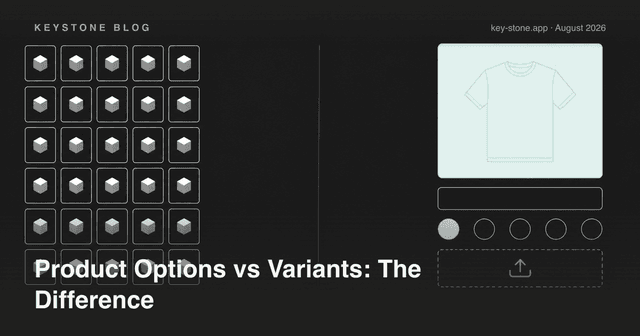
If a choice changes which physical item ships from the shelf, it should be a variant, because something has to track its stock. If it doesn't - engraving text, a gift message, an uploaded logo, a rush fee - it belongs in an options layer, where it costs no variants at all. We cover that split in detail in Product Options vs Variants on Shopify.
How Key Product Options Handles It
Key Product Options (Built for Shopify, rated 4.7 from 30 reviews as of September 2026) takes the options-app approach: unlimited product options on top of a single product, 12 option types on the free plan from swatches to file uploads, a live preview as customers configure, and conditional logic to keep the page clean.
Pricing as of September 2026: a Free plan with 10 option sets and 12 option types; Essentials at $9.99/month with unlimited option sets and types, price add-ons and live chat plus call support; Premium at $29.90/month adding conditional logic, shared options and B2B catalog pricing.
The practical rule: if your product is a matrix of stocked items, Shopify's 2,048 variants may be all you need. If your product is a configuration - a fourth dimension, priced upgrades, custom inputs - an options layer beats enumerating combinations every time.
Related reading
- Product Options vs Variants on Shopify: What's the Difference?
- How to Get Past Shopify's Variant and Option Limits Without Theme Hacks
- How Keystone Product Options Compares to Manual Theme Customization
Selling configurable products? Key Product Options goes past Shopify's variant and 3-option limits - unlimited options, conditional logic, price add-ons and file uploads, with no theme code and a free plan to start.